NewsMark Article Schema adds NewsArticle schema and LiveBlogPosting structured data to your WordPress site, enhancing your news articles' visibility in Google News.
Features
Easy Schema Integration — Add NewsArticle or LiveBlogPosting schema to posts via a simple editor toggle.
Publisher Entity Configuration — Configure publisher details like name, logo, and location in admin settings.
Automatic Google News Sitemap — Auto-generate and serve a Google News sitemap at /news-sitemap.xml.
Customizable Schema Output — Enable or disable schema output on a per-post-type basis.
Valid JSON-LD Injection — Inject valid, de-duplicated JSON-LD into the post head without conflicts.
Compatible with WordPress — Works seamlessly with WordPress 6.0 and above, ensuring broad compatibility.
How it works
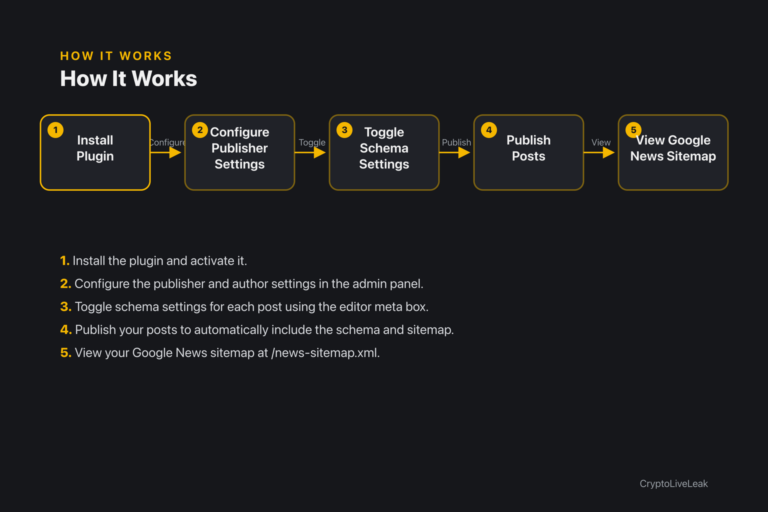
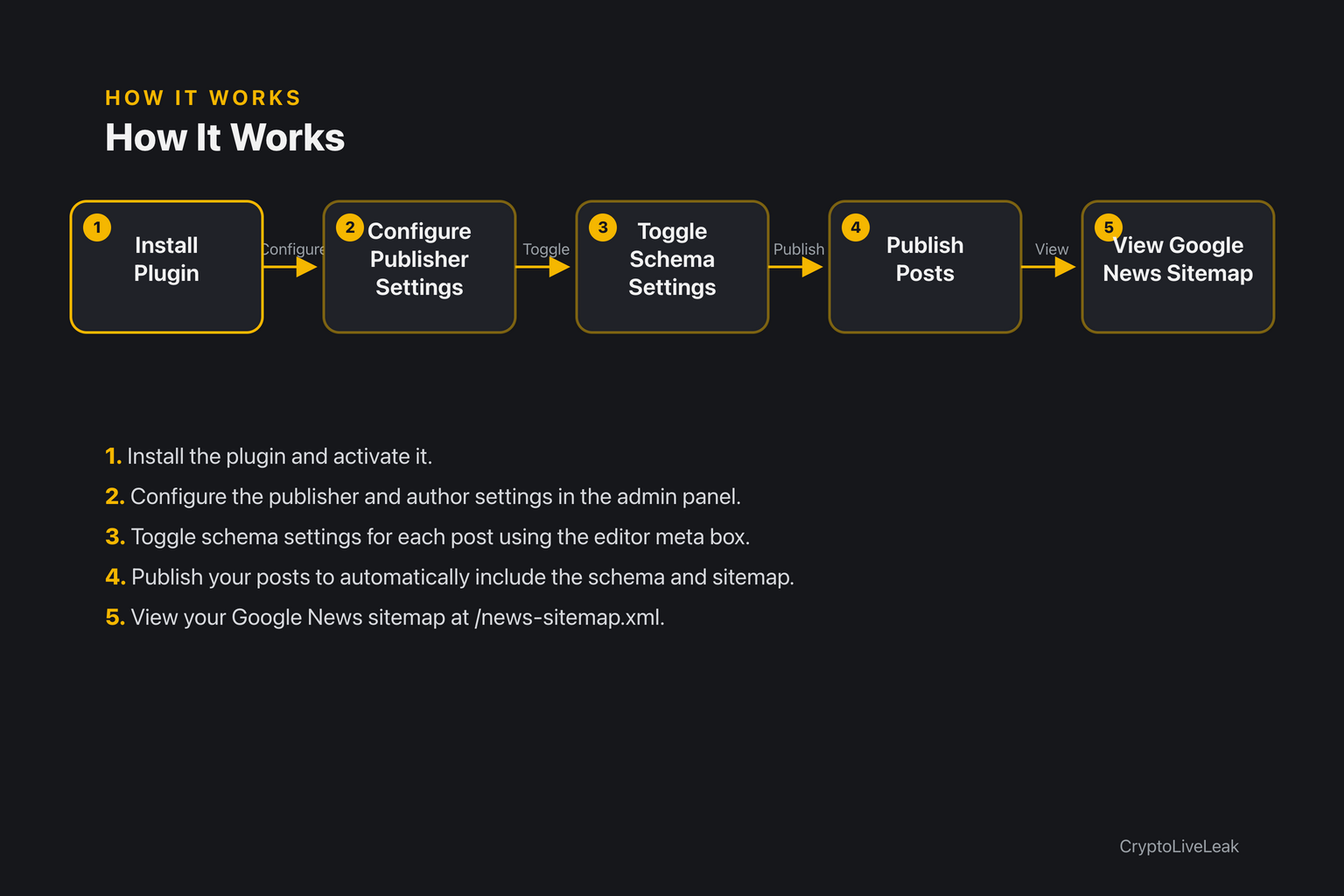
Install the plugin and activate it.
Install the plugin and activate it.
Configure the publisher and author settings in the admin panel.
Toggle schema settings for each post using the editor meta box.
Publish your posts to automatically include the schema and sitemap.
View your Google News sitemap at /news-sitemap.xml.
Requirements
WordPress 6.0 or newer
PHP 7.4 or newer
Tested up to WordPress 6.6
Installation
Upload the plugin zip via Plugins → Add New → Upload Plugin.
Activate the plugin through the Plugins screen.
Open Settings → NewsMark Article Schema to configure settings.
Frequently asked questions
Where are the settings?
Settings are located under Settings → NewsMark Article Schema.
Why isn't schema showing on my post?
Ensure the plugin is enabled and the post type is checked in settings.
Why isn't my post in the news sitemap?
The sitemap lists published posts from the last 2 days only.
Does this conflict with my SEO plugin?
No, it adds its own schema without modifying other plugins' outputs.
Is there support available?
Yes, you can reach out via email at support@cryptoliveleak.com.
Changelog
1.0.0
Added
Initial release: publisher/author entity settings, per-post schema type meta box (NewsArticle / LiveBlogPosting), JSON-LD injection on `wp_head`, and the `/news-sitemap.xml` Google News sitemap.
README.md, docs/USER-GUIDE.md, docs/ARCHITECTURE.md, SECURITY.md, and WordPress.org-format readme.txt.
Security
Audited the settings `admin-post` handler and the meta box `save_post` handler: both already required the matching capability (`manage_options` / `edit_post`) and verified their nonce inside the handler before touching data; no REST routes, `$wpdb` queries, remote calls, or dynamic code execution exist in the plugin.
Hardened JSON-LD output: `wp_head` now bails if `wp_json_encode()` fails instead of printing a broken `<script>` tag, and explicitly escapes `</` to `</` as defense-in-depth against a `</script>` breakout if a filter (`newsmark_article_schema_data`, `newsmark_publisher_entity`) alters the encoded string.
NewsArticle schema, Google News sitemap, and publisher entity markup for crypto media and newsrooms.Add schema with a simple toggleAuto-generate Google News sitemapConfigure author and publisher easily