SlotYard Ad Inventory is a powerful self-serve ad management solution for WooCommerce stores, allowing publishers to define ad slots and manage bookings seamlessly.
Features
Ad Slot Management — Easily define and manage various ad slots for your WooCommerce store.
Availability Calendar — Publish a calendar to show available dates for ad bookings.
Date-Range Pricing — Set flexible pricing based on date ranges and booking duration.
Creative Upload at Checkout — Allow advertisers to upload their creative assets during checkout.
Approval Queue — Manage bookings through an approval queue to ensure quality control.
How it works
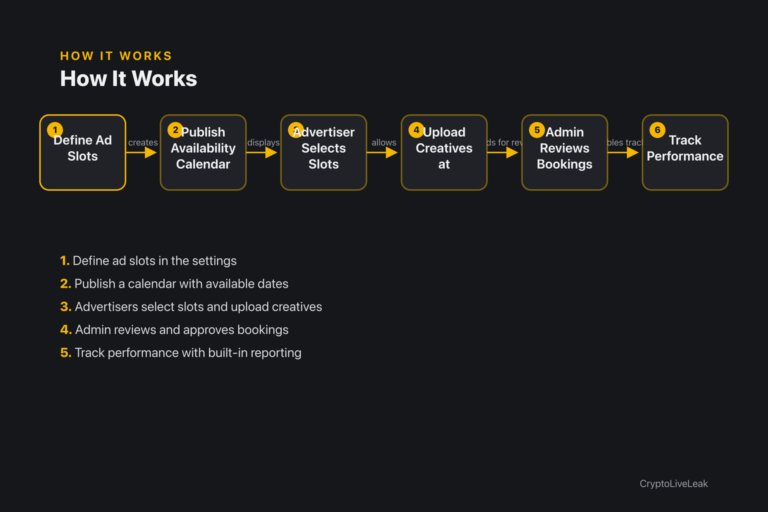
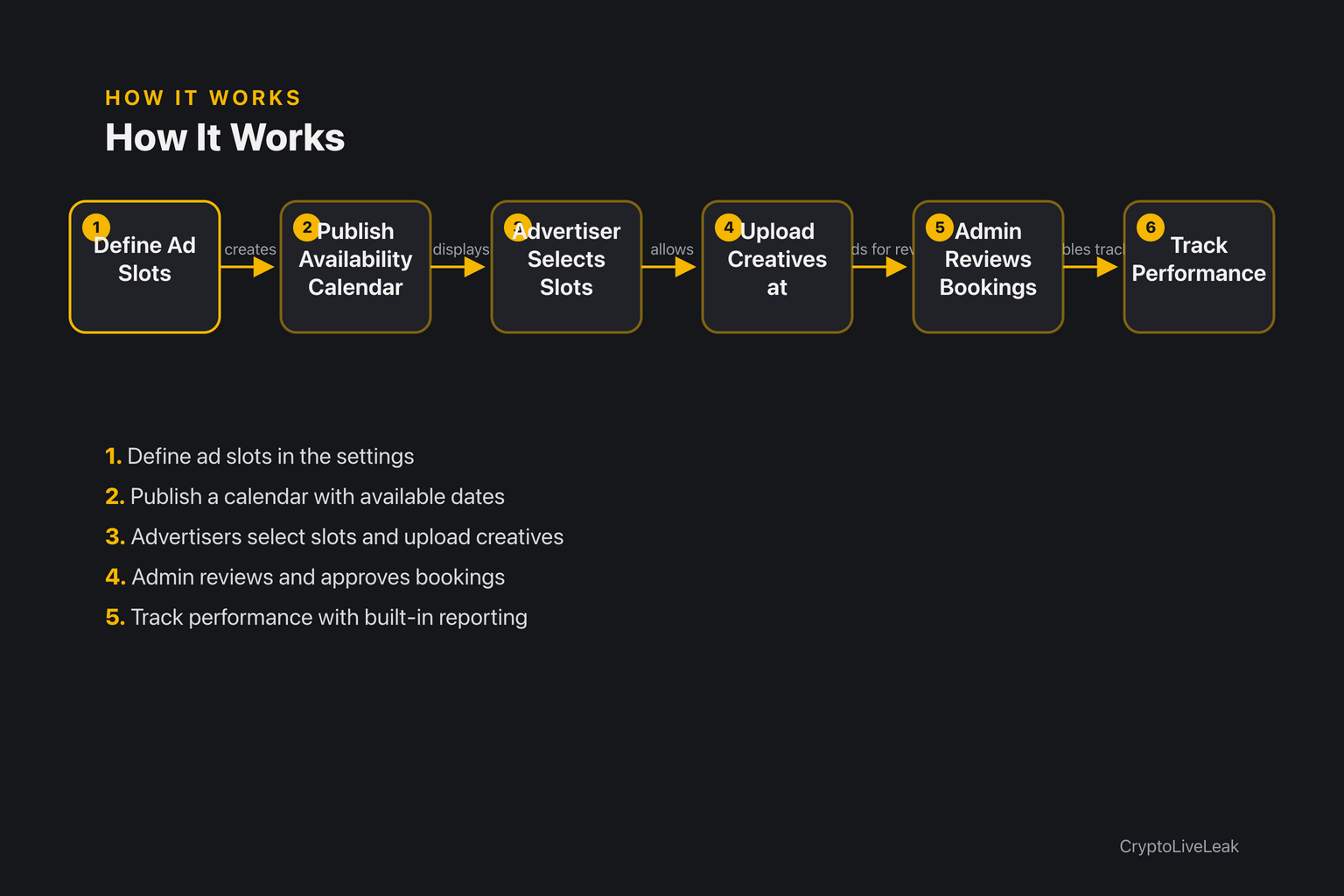
Define ad slots in the settings
Define ad slots in the plugin settings.
Publish a calendar with available dates.
Advertisers select slots and upload creatives at checkout.
Admin reviews and approves bookings.
Track performance with built-in reporting.
Requirements
WordPress 6.0 or newer
PHP 7.4 or newer
Tested up to WordPress 6.6
Installation
Upload the plugin zip through Plugins → Add New.
Activate the plugin on the Plugins screen.
Access settings at Settings → SlotYard Ad Inventory.
Frequently asked questions
Where are the settings?
Settings are located under Settings → SlotYard Ad Inventory in the admin panel.
Do I need WooCommerce?
No, this plugin works independently of WooCommerce.
Does it create database tables?
No, it only stores a single option for settings.
Can I extend the plugin?
Yes, you can use the provided action hook to add custom functionality.
Is there any external communication?
No, the plugin does not make any outbound HTTP requests.
Changelog
1.0.0
Added
Initial release of the plugin foundation.
Plugin header and bootstrap in `slotyard-ad-inventory.php`: `SLOTYARD_AD_INVENTORY_VERSION` (`1.0.0`), `SLOTYARD_AD_INVENTORY_FILE` and `SLOTYARD_AD_INVENTORY_DIR` constants, and `require_once` of both `includes/` classes.
Translation loading on `plugins_loaded` for text domain `slotyard-ad-inventory` from `/languages`.
Activation routine that seeds the `slotyard_ad_inventory_settings` option with `enabled = 1`, only when the option does not already exist.
`Slotyard_Ad_Inventory` core singleton with a static `settings()` reader that type-checks the stored option and merges it over defaults with `wp_parse_args()`.
Extension action `slotyard_ad_inventory_init( array $settings )`, fired on `init` when the plugin is enabled.
`Slotyard_Ad_Inventory_Admin` singleton (admin requests only) providing the Settings → SlotYard Ad Inventory screen with a single Enabled checkbox.
Save handler on `admin_post_slotyard_ad_inventory_save` that stores the toggle as `1` or `0`, then redirects with `wp_safe_redirect()`.
Uninstaller that deletes `slotyard_ad_inventory_settings`.
Project documentation: `README.md`, `docs/USER-GUIDE.md`, `docs/ARCHITECTURE.md`, `SECURITY.md` and `readme.txt`.
Manage ad bookings directly from your WooCommerce store with SlotYard Ad Inventory.Define ad slots and availabilityManage bookings and paymentsTrack impressions and clicks