TickerTape Crypto Prices is built for displaying live crypto prices on WordPress sites without sacrificing performance. This plugin offers non-blocking shortcodes, widgets, and inline mentions, backed by smart caching to ensure fast loading times.
Features
Dynamic Shortcodes — Use the [crypto-price] shortcode to display live prices inline for various cryptocurrencies.
Customizable Widgets — Add a sidebar or dashboard widget to show multiple coin prices as cards or a scrolling ticker.
Asynchronous Price Fetching — Fetch price data without blocking page rendering, ensuring a smooth user experience.
Configurable Cryptocurrencies — Easily add or remove supported coins from the admin panel, including BTC, ETH, and more.
Smart Caching — Set cache duration from 5 to 60 minutes to optimize performance and reduce API calls.
Fallback Display Options — Show cached prices if the API is slow or unavailable, maintaining user experience.
How it works
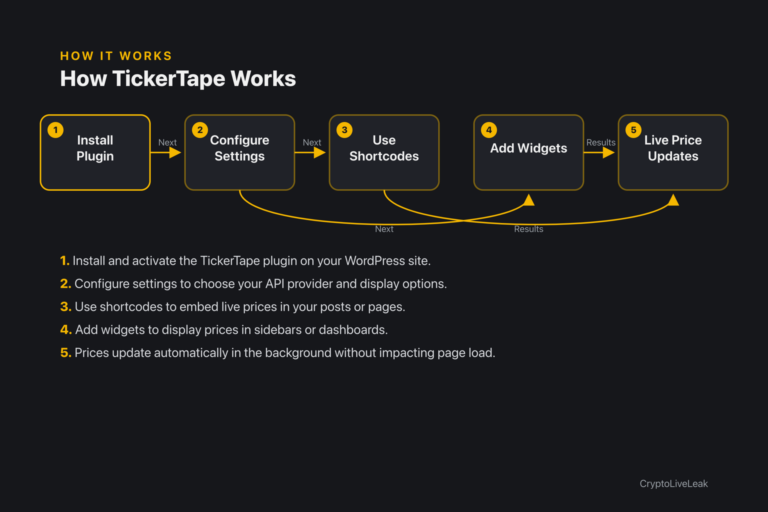
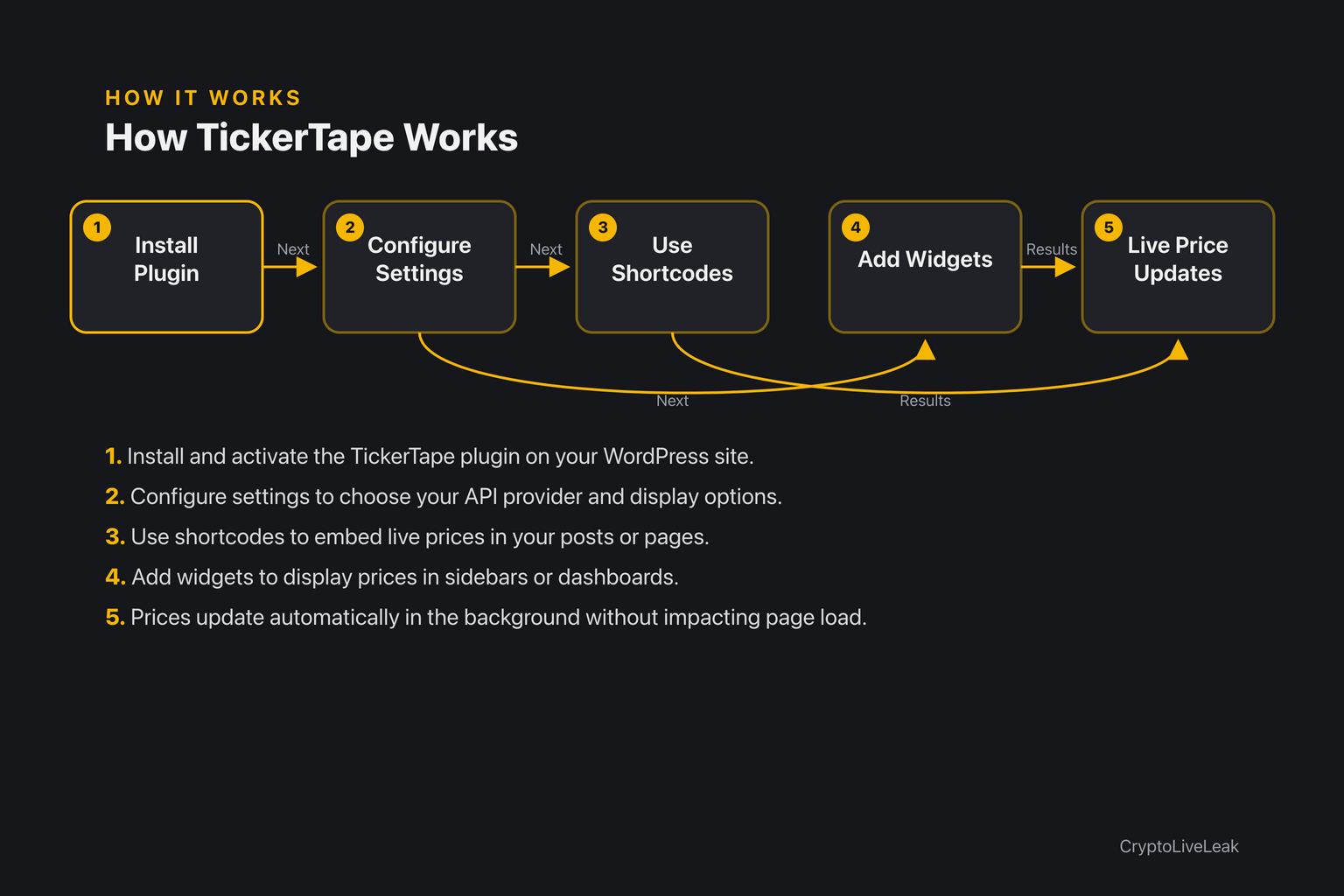
Install and activate the TickerTape plugin on your WordPress site.
Install and activate the TickerTape plugin on your WordPress site.
Configure settings to choose your API provider and display options.
Use shortcodes to embed live prices in your posts or pages.
Add widgets to display prices in sidebars or dashboards.
Prices update automatically in the background without impacting page load.
Requirements
WordPress 6.0 or newer
PHP 7.4 or newer
Tested up to WordPress 6.6
Installation
Go to Plugins → Add New → Upload Plugin, or extract to /wp-content/plugins/tickertape-crypto-prices/.
Activate the plugin through the Plugins screen.
Navigate to Settings → TickerTape Crypto Prices to configure your options.
Frequently asked questions
What cryptocurrencies does TickerTape support?
TickerTape supports BTC, ETH, SOL, USDT, USDC, and custom coins.
How does the caching work?
The plugin uses smart caching to store price data for 5-60 minutes, reducing API calls.
Can I customize the display format?
Yes, you can choose from compact, full with 24h change, or sparkline formats.
What API providers can I use?
You can use CoinGecko (free) or CoinMarketCap (requires API key) as data sources.
How do I add the shortcode to my posts?
Simply insert the [crypto-price coin='BTC' currency='USD'] shortcode where you want the price to appear.
Live crypto prices for WordPress—fast, cached tickers & widgets that never slow your site. Real-time data. Zero page impact.Non-blocking shortcodes for live pricesCustomizable widgets for multiple coinsSmart caching to optimize performance