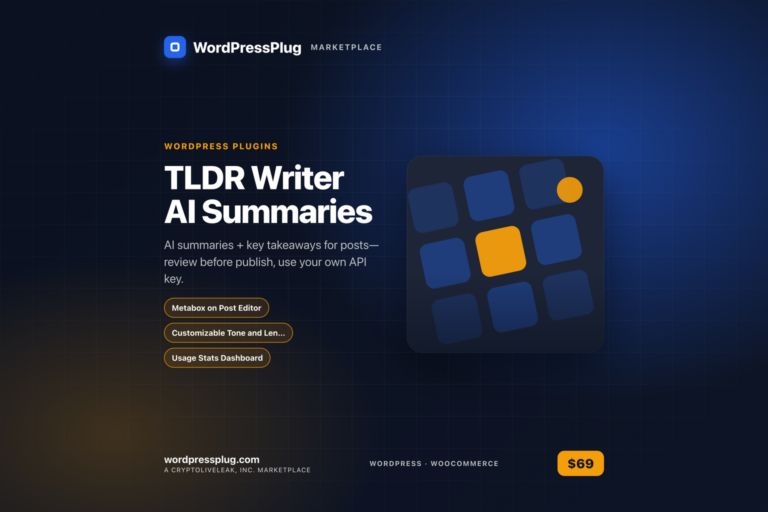
TLDR Writer generates AI summaries for WordPress posts, providing concise takeaways that enhance reader comprehension while maintaining editorial control.
Features
Metabox on Post Editor — Easily generate summaries for posts, pages, and custom post types directly in the editor.
Customizable Tone and Length — Select from various tones and lengths to match your content style.
Usage Stats Dashboard — Monitor API calls and estimated costs for better budget management.
Shortcode for Front-End Display — Use the [tldr-summary] shortcode to show summaries on your site.
Editorial Review Process — Ensure quality by reviewing AI-generated summaries before publication.
Flexible Display Styles — Choose from card, box, or inline styles for displaying summaries.
How it works
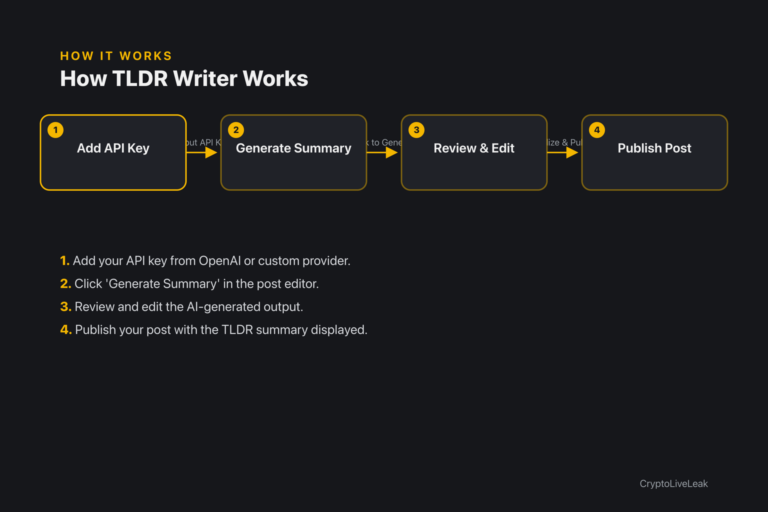
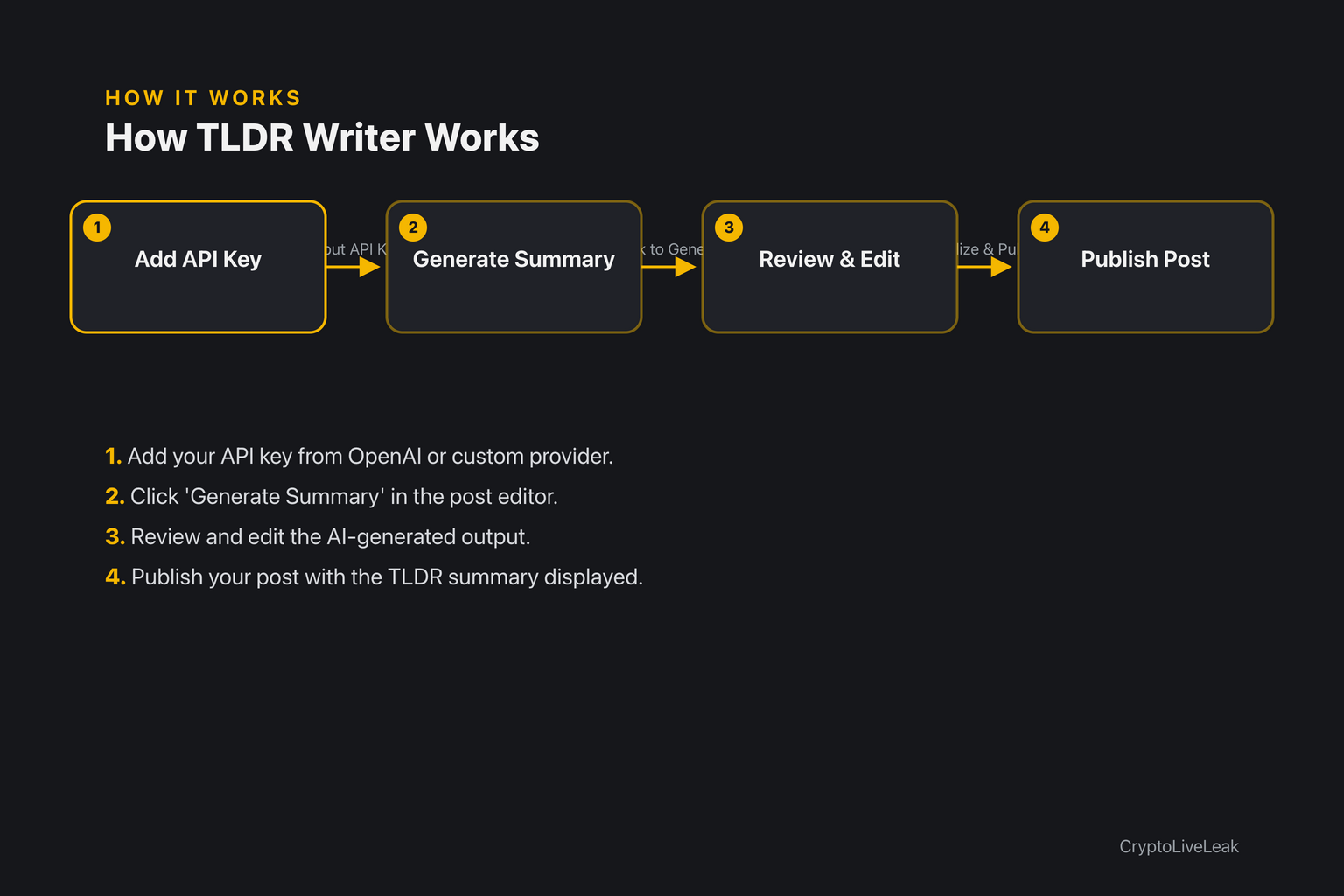
Add your API key from OpenAI or custom provider.
Add your API key from OpenAI, Anthropic, or a custom provider.
Click 'Generate Summary' in the post editor.
Review and edit the AI-generated output.
Publish your post with the TLDR summary displayed.
Requirements
WordPress 6.0 or newer
PHP 7.4 or newer
Tested up to WordPress 6.6
Installation
Upload the plugin zip via Plugins → Add New → Upload Plugin.
Activate the plugin through the Plugins screen.
Open Settings → TLDR Writer AI Summaries to configure your API key.
Frequently asked questions
What API providers are supported?
You can use OpenAI, Anthropic, or a custom API URL.
Can I edit the generated summaries?
Yes, you can review and edit summaries before publishing.
Is there a usage stats feature?
Yes, the plugin includes a dashboard for tracking API usage.
What happens if I don't approve a summary?
The post will remain in pending status until the summary is approved.
How do I display the TLDR summary on my site?
Use the shortcode [tldr-summary] to display it on the front end.
Changelog
1.0.0
Added
Post editor metabox (post, page, any public post type) with Generate/Regenerate, tone and length selectors, and review fields for summary + up to 5 takeaways.
`[tldr-summary]` front-end shortcode with card/box/inline display styles.
API provider support for OpenAI, Anthropic, or a custom endpoint, with AES-256-CBC encrypted, masked API key storage.
Auto-generate-on-publish and require-approval-before-publish options.
Monthly usage dashboard (API calls, estimated cost) on the settings page.
AI summaries + key takeaways for posts—review before publish, use your own API key.Generate summaries with one clickReview and edit before publishingUse your own API key for transparency