AuditTrail Activity Log is a powerful tool for tracking user actions in WordPress. This audit trail activity log captures every change made to your site, providing a comprehensive history without impacting performance.
Features
Activity Log Capture — Records all user actions with timestamps, user IDs, and action types.
Search & Filter — Easily filter logs by user, action type, date range, and more.
Export to CSV — Download filtered logs for audits and compliance reporting.
Email Alerts — Receive notifications for risky actions like plugin changes and user deletions.
Log Retention — Configurable retention periods with automatic purging of old logs.
Dashboard Widget — View recent activities directly on your WordPress admin dashboard.
How it works
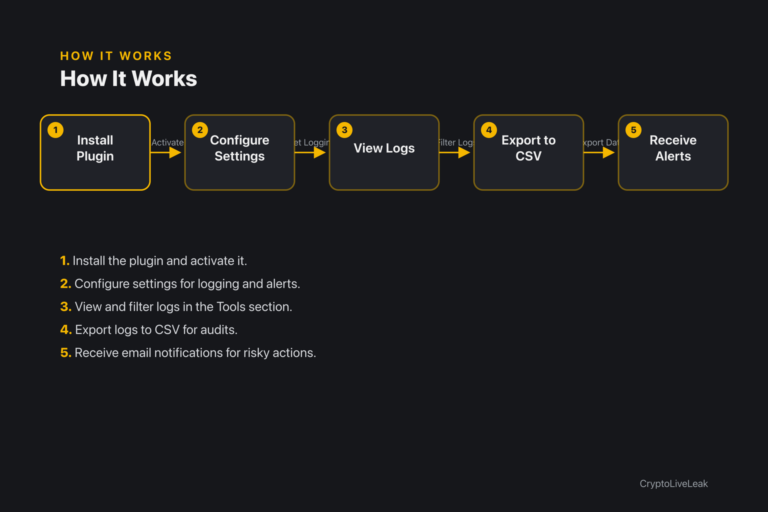
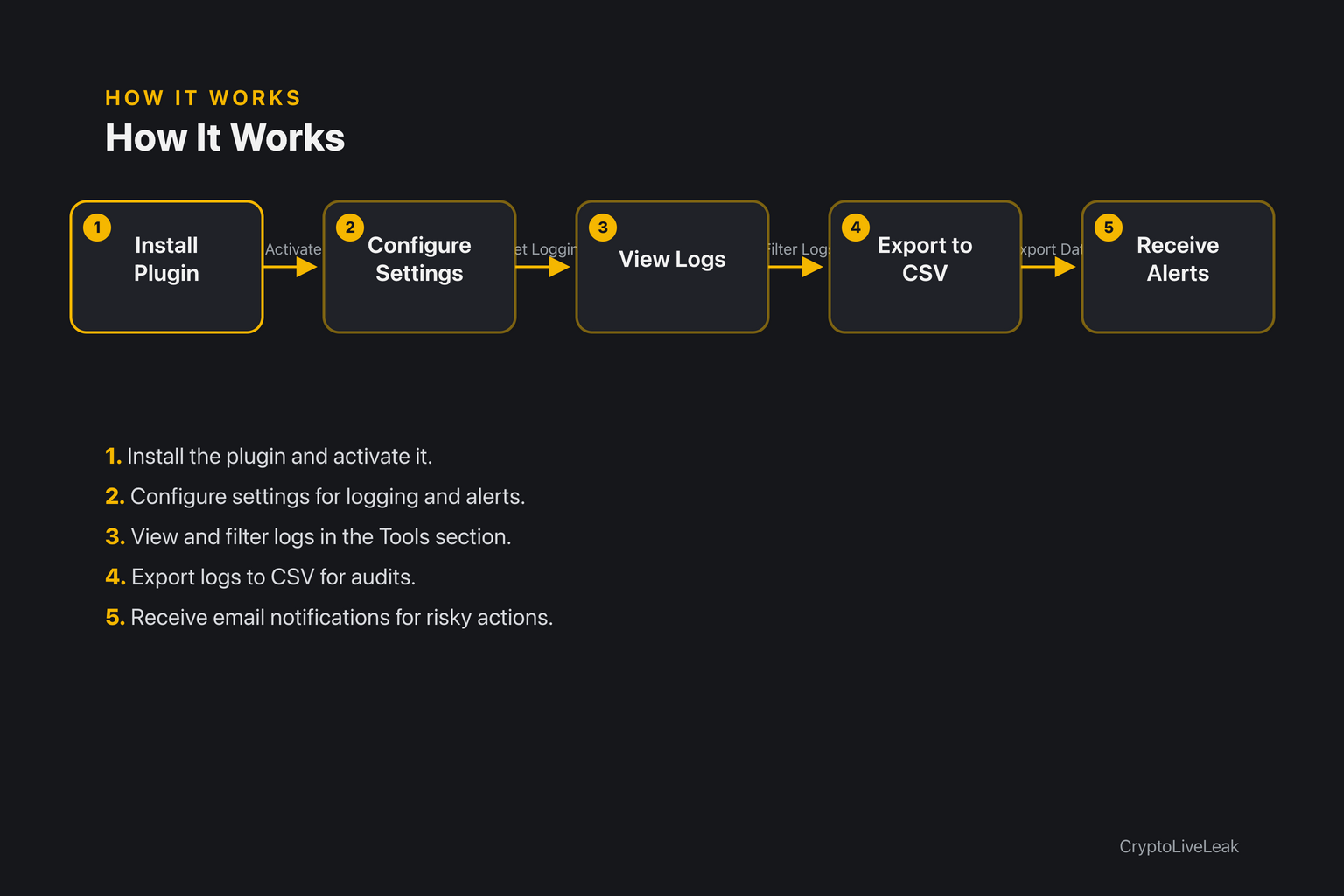
Install the plugin and activate it.
Install the plugin and activate it.
Configure settings for logging and alerts.
View and filter logs in the Tools section.
Export logs to CSV for audits.
Receive email notifications for risky actions.
Requirements
WordPress 6.2 or newer
PHP 7.4 or newer
Tested up to WordPress 6.6
Installation
Upload the plugin zip via Plugins → Add New → Upload Plugin.
Activate the plugin to create necessary database tables.
Configure settings at Settings → AuditTrail Activity Log.
Frequently asked questions
Where are the settings?
Settings can be found under Settings → AuditTrail Activity Log.
Where do I view and export the log?
You can view and export logs in Tools → Activity Log.
Who can see the log?
Only users with the manageoptions capability can view the log.
What happens to old entries?
Old entries are deleted based on your configured retention period.
Does this make any external requests?
No, all processing is done locally without external requests.
Track who changed what and when. Audit-ready logs with alerts, CSV export, and compliance reporting for WordPress agencies.Searchable activity log for user actionsEmail alerts for risky changesCSV export for audits and compliance