PixelLean Image Speed is an image optimization plugin designed to enhance your WordPress site by converting images to modern formats like WebP and AVIF.
Features
Automatic Format Conversion — Automatically converts images to WebP and AVIF formats upon upload, preserving original files.
Responsive Image Sizes — Generates responsive image sizes for various device breakpoints, optimizing loading times.
Lazy-Loading Implementation — Implements lazy-loading for images below the fold, improving page speed and user experience.
Admin Settings for Customization — Easily configure settings for image formats and quality levels through the admin interface.
Bulk Convert Existing Images — Allows bulk conversion of images already in your media library for quick optimization.
Statistics Dashboard Widget — Provides insights on image optimization statistics, including conversions and storage savings.
How it works
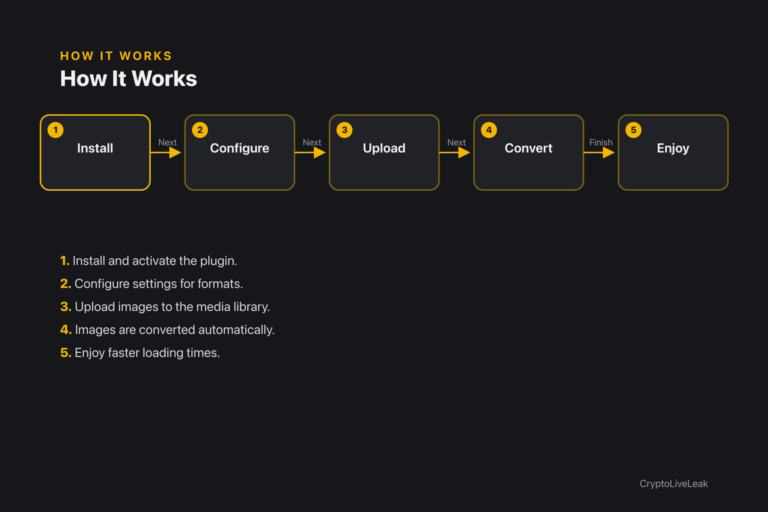
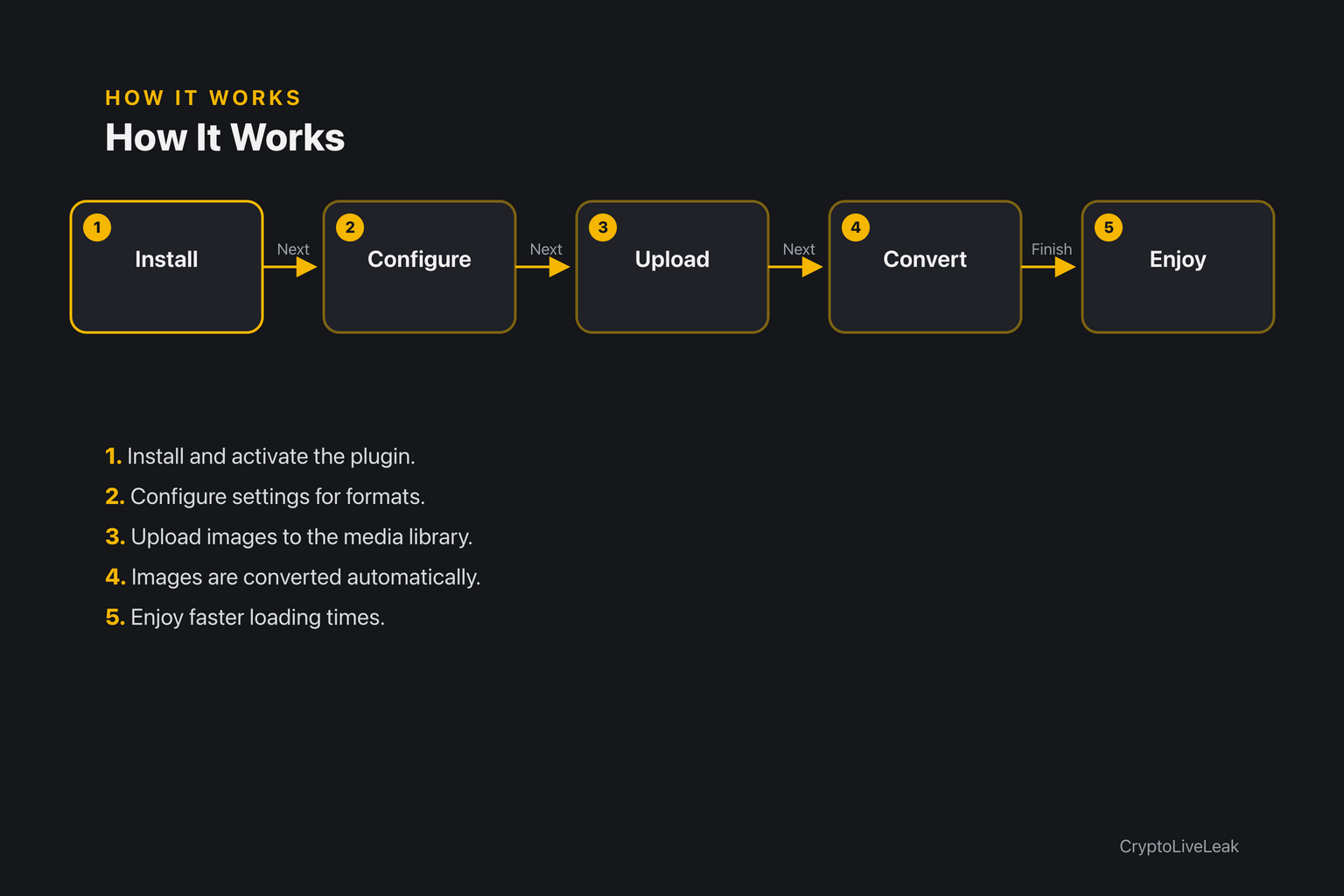
Install and activate the plugin.
Install and activate the PixelLean Image Speed plugin.
Configure the settings for WebP and AVIF formats in the admin panel.
Upload images to your WordPress media library.
Images are automatically converted to selected formats upon upload.
Enjoy improved loading times with responsive sizes and lazy-loading.
Requirements
WordPress 6.0 or newer
PHP 7.4 or newer
Tested up to WordPress 6.6
Installation
Upload the plugin zip via Plugins → Add New → Upload Plugin.
Activate the plugin through the Plugins screen.
Open Settings → PixelLean Image Speed to configure options.
Frequently asked questions
Where are the settings?
Settings are located under Settings → PixelLean Image Speed.
Will this delete my original images?
No, original images are always preserved; converted files are saved alongside.
Why don't I see .avif files after enabling AVIF?
Your host's PHP GD/Imagick build may not support AVIF encoding.
Does this work with Gutenberg and standard galleries?
Yes, it is compatible with all themes and the block editor.
Can I bulk convert existing images?
Yes, the plugin includes a bulk conversion tool for your media library.
Changelog
1.0.0
Added
Automatic WebP/AVIF conversion on upload (originals preserved), via `wp_get_image_editor()`.
Responsive image sizes registered per breakpoint (360/768/1024/1440/1920px, filterable).
Below-the-fold lazy-loading (`loading="lazy" decoding="async"`) with `<noscript>` fallback.
Convert images to WebP/AVIF, generate responsive sizes, lazy-load—locally, no CDN. Built for speed.Automatic WebP/AVIF conversionGenerates responsive image sizesLazy-load implementation for better performance