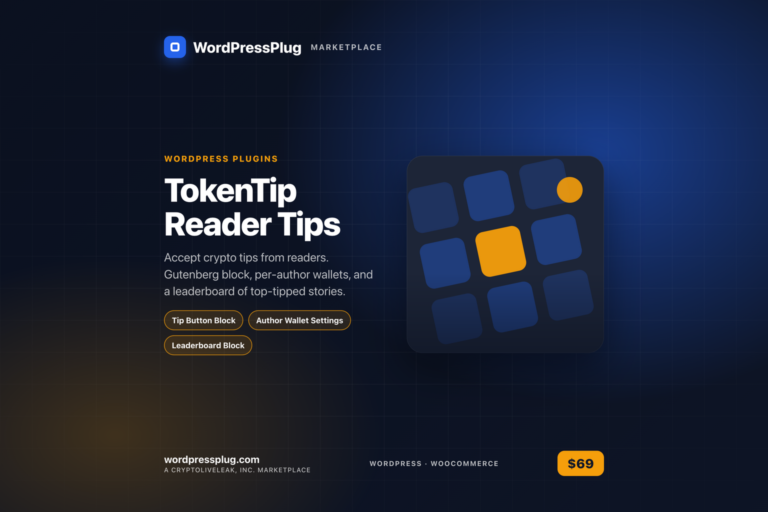
TokenTip Reader Tips lets crypto publishers monetize reader support in real time through crypto tips.
Features
Tip Button Block — Easily add a customizable Gutenberg block for reader tips on any post.Author Wallet Settings — Authors can set their preferred crypto wallet addresses for receiving tips.Leaderboard Block — Display a leaderboard of the most-tipped stories, enhancing engagement.Payment Processing — Integrates with crypto payment systems for seamless transactions.Tip History — Access a dashboard that tracks tip activity by story, author, and date.Currency Selection — Enable various cryptocurrencies like USDC, USDT, ETH, SOL, and BTC.
How it works
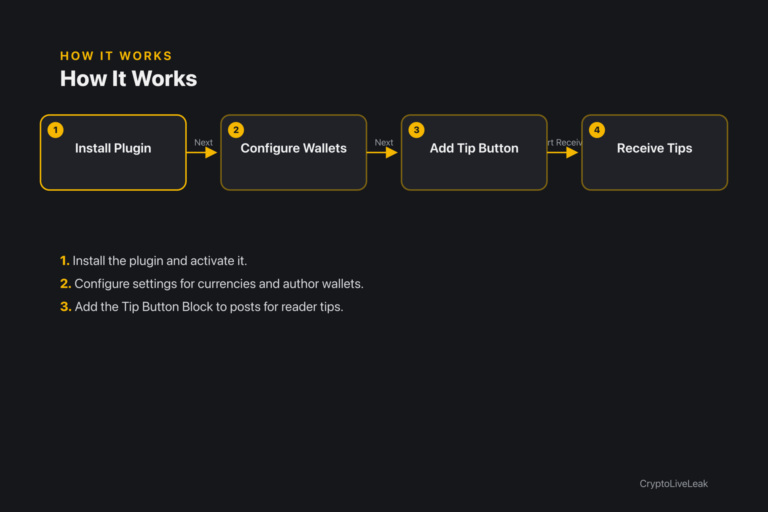
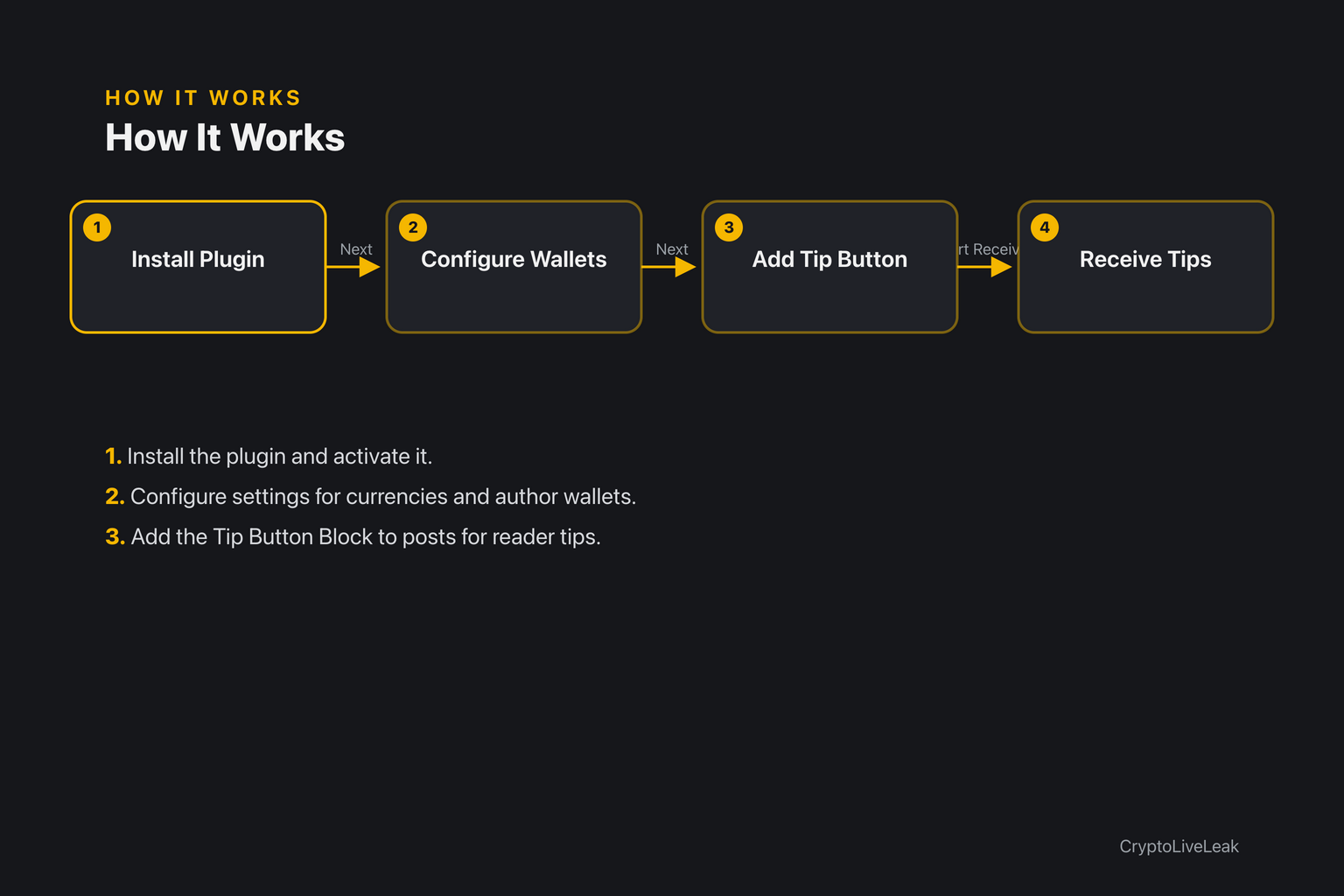
Install the plugin and activate it.
Install the plugin and activate it.
Configure settings for currencies and author wallets.
Add the Tip Button Block to posts for reader tips.
Requirements
WordPress 6.0 or newer
PHP 7.4 or newer
Tested up to WordPress 6.6
Installation
Upload the plugin zip via Plugins → Add New → Upload Plugin.
Activate the plugin through the Plugins screen.
Configure settings under Settings → TokenTip Reader Tips.
Frequently asked questions
Where are the settings?
Settings can be found under Settings → TokenTip Reader Tips.
Does this move cryptocurrency automatically?
No, readers self-report tips by sending to the author's wallet.
What happens if an author hasn't set a wallet?
The Tip button will not render unless a default wallet is set.
Where do authors set their wallet address?
Authors can set their wallet addresses on their Users → Profile screen.
Where can I see tip history?
Tip history is available under Settings → TokenTip History.
Changelog
1.0.0
Support & documentation